When evaluating school website features, Before parents visit a school, they visit its website, usually on a phone, often late at night, often comparing three or four schools. What they find there decides whether they call. Here are the twelve things parents look for, based on the questions schools get asked most.
Strategic Overview: School Website Features and Industry Best Practices
Step-by-step: when forms open, age criteria, documents needed, whether there is a test or interaction, and when results come. Put it on one page, linked from the home page.
2. Fee structure
Parents want to know if the school fits their budget before they spend time visiting. Show the fee structure, or at least what is included and what is extra: transport, books, uniform, activities.
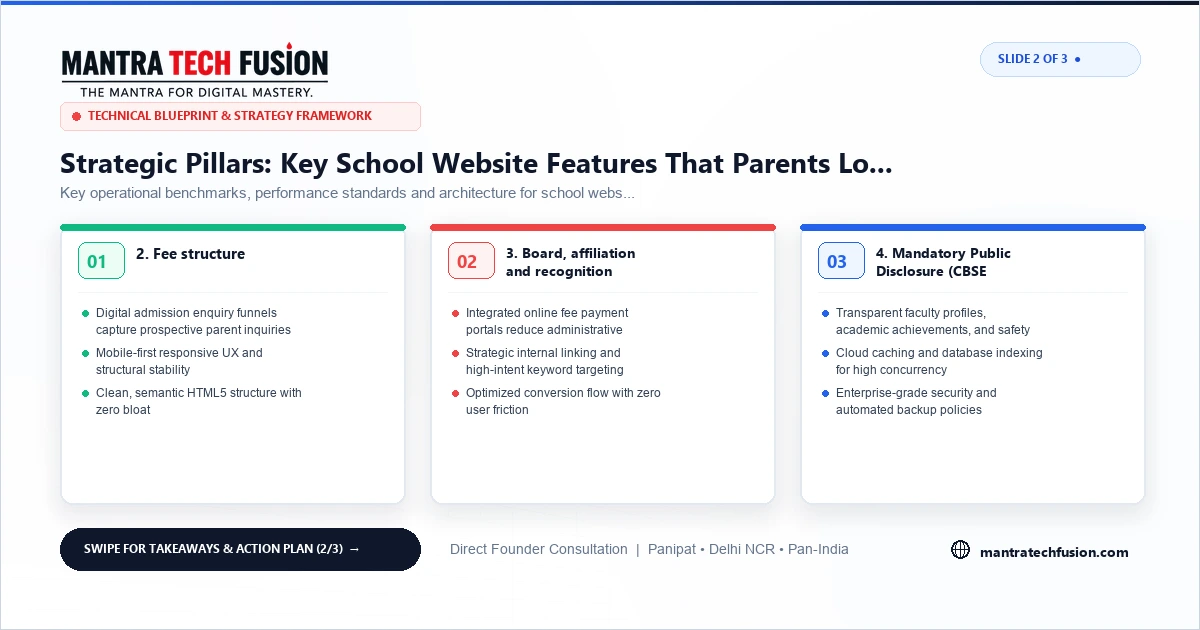
3. Board, affiliation and recognition
Board (CBSE, ICSE, state board), affiliation number and classes offered, clearly on the home page and footer.
4. Mandatory Public Disclosure (CBSE schools)
CBSE-affiliated schools are required to publish a Mandatory Public Disclosure on their website: details such as affiliation, infrastructure, staff and fee information in the format CBSE prescribes. Keep it updated and easy to find. Check the latest CBSE circulars for the current format.
Interactive 3-Slide Article Visual Guide
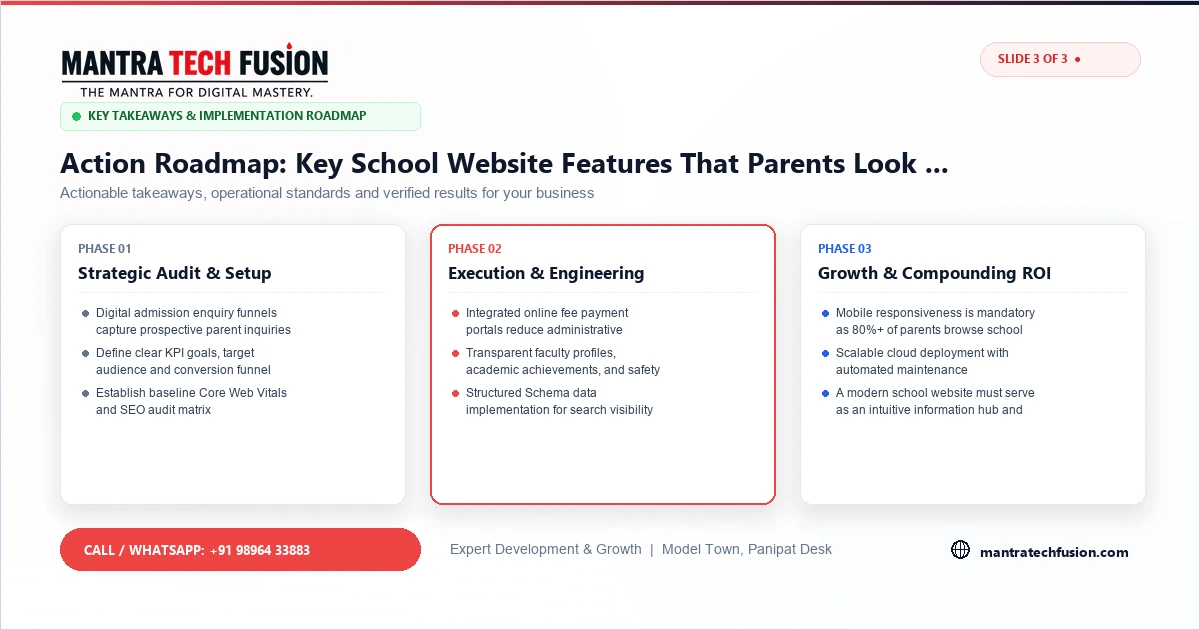
5. Teachers and their qualifications
A page with the principal's message and teachers' qualifications and experience. Parents want to know who will teach their child.
6. Safety and security
CCTV, entry control, trained staff, medical room, fire safety and child protection policy. For younger children this is often the deciding factor.
7. Transport routes and timings
A list of bus routes and areas covered, with GPS tracking if available. Many parents choose between schools based on whether a bus comes to their colony.
8. Facilities, with real photos
Classrooms, science and computer labs, library, playground, sports and music rooms. Real photos, taken in daylight with children at work, build far more trust than stock images of foreign classrooms.
9. Results and achievements
Board results, competitions and sports achievements, with years. Honest numbers are better than vague claims like "100% excellence".
10. Activities and events
An events and news section with recent photos shows the school is active. It also gives Google fresh pages to index, which helps the school appear in local searches.
11. Notice board and circulars
Holiday lists, exam schedules and circulars in one place reduce calls to the office and keep current parents coming back to the site.
12. Easy contact and location
A call button, WhatsApp button, admission enquiry form, office timings and a Google Map, visible on every page on mobile.
Mistakes that cost schools admissions
- Last year's admission dates still on the home page. Parents assume the school is careless or admissions are closed.
- A phone number nobody answers during admission season. Put a number that is attended, and a WhatsApp option for after hours.
- Only a PDF prospectus. PDFs are hard to read on phones and Google cannot use them well. Put the key information on normal pages too.
- Gallery with hundreds of heavy photos that makes the whole site slow. Pick the best twenty for each event and compress them.
Technical basics that matter
- Fast on mobile: most parents browse on phones with average connections. Compress photos.
- Hindi and English where your parents prefer Hindi.
- Google Business Profile linked to the website, with real photos and replies to reviews. See how to rank on Google Maps.
- SSL (https) so browsers do not show "not secure" on the admission form.
Building a school website
A school website changes often: notices, events, results. That makes a dynamic website the right choice, starting at ₹35,000 + GST with us. If staff do not have time, we post updates when you send them on WhatsApp. For fee payment or parent logins, see our custom software service. See packages or send us your school's current site for a free check.
Comprehensive Implementation Framework for School Website Features
To execute school website features with high precision and measurable ROI, modern digital organizations must establish clear standard operating procedures across engineering, design, and content operations. Aligning technical infrastructure with commercial business objectives ensures sustained organic performance, maximum brand authority, and consistent customer acquisition.
Furthermore, technical teams should continuously monitor Core Web Vitals, server response latencies, and security headers to guarantee an uncompromising standard of user experience across both desktop and mobile viewports.
Key Operational Benchmarks and Performance Standards
Deploying a successful initiative requires measuring performance against verified industry standards and technical benchmarks:
- Sub-Second Page Rendering: Ensure Largest Contentful Paint (LCP) remains under 1.8 seconds on real-world 4G mobile networks.
- Verified Conversion Paths: Streamline quote request funnels and contact touchpoints with real-time input validation and instant CRM lead alerts.
- Robust Data Security: Protect client interactions with strict SSL/TLS encryption, prepared database queries, and automated off-site backups.
- Semantic Search Indexing: Structure content with Schema.org JSON-LD markup to capture rich SERP snippets and answer engine citations.
- Mobile Ergonomics: Provide minimum 48px touch targets and zero horizontal viewport scrolling on all mobile displays.
Strategic Architecture and Maintenance Best Practices
Maintaining long-term leadership requires routine performance audits, content refreshes, and proactive security patching. Implementing automated staging environments and continuous integration workflows prevents code regressions and ensures flawless operational continuity across all commercial channels.
By prioritizing user intent fulfillment, transparent product specifications, and high-converting calls to action, your enterprise creates an enduring competitive advantage in today's digital marketplace.
Technical Checklist for Modern Digital Infrastructure
Ensure your digital deployment adheres strictly to the following enterprise engineering protocols:
- Zero Layout Shifts (CLS < 0.05): Declare explicit width and height attributes on all media and dynamic components.
- Strict MIME Type Validation: Prevent arbitrary file execution by validating uploaded assets against strict allowlists.
- Automated Data Redundancy: Maintain daily off-site encrypted database snapshots with rapid point-in-time recovery capabilities.
- Immutable Cache Directives: Leverage long-lived HTTP caching headers for static CSS, JS, and optimized WebP visual assets.
Long-Term Economic Value and Return on Investment
Investing in a high-standard digital strategy yields compounding dividends over multiple financial quarters. By reducing dependency on volatile third-party referral networks and paid PPC channels, your brand builds durable organic equity that drives qualified sales pipelines at a fraction of traditional advertising costs. Furthermore, high Core Web Vitals performance and technical domain stability protect your market share against algorithm updates.
Frequently Asked Questions Regarding School Website Features
What is the most effective approach to get started with school website features?
Begin with a comprehensive technical audit of your current digital assets, establish clear performance benchmarks, and implement high-priority structural optimizations that directly improve user experience and search indexation.
How does this impact long-term enterprise growth?
By compounding organic search visibility, eliminating code bottlenecks, and streamlining customer conversion funnels, businesses achieve higher profit margins and lower customer acquisition costs over time.