When evaluating custom software vs tally zoho excel, Many small and mid-sized businesses in India run on a mix of Excel sheets, Tally, WhatsApp groups and paper registers. At some point it starts to hurt: orders get missed, numbers do not match, and only one person knows where things are. The question is what to move to. This guide explains when Excel is enough, when ready-made tools fit, and when custom software is worth it.
Strategic Overview: Custom Software Vs Tally Zoho Excel and Industry Best Practices
Excel is flexible and free, and it is perfectly fine when one or two people handle the data. It breaks down when:
- Several people keep their own copies and the numbers stop matching.
- You need live data from more than one location or from people on the road.
- Nobody can see who changed what and when.
- A wrong formula or deleted row goes unnoticed for weeks.
Tally: excellent for accounts, not for everything
Tally is the standard for accounting, GST returns and financial reports in India, and your CA already knows it. Keep accounts in Tally. The problems start when businesses try to force Tally to run orders, production, dispatch or customer follow-ups, which it was not designed for.
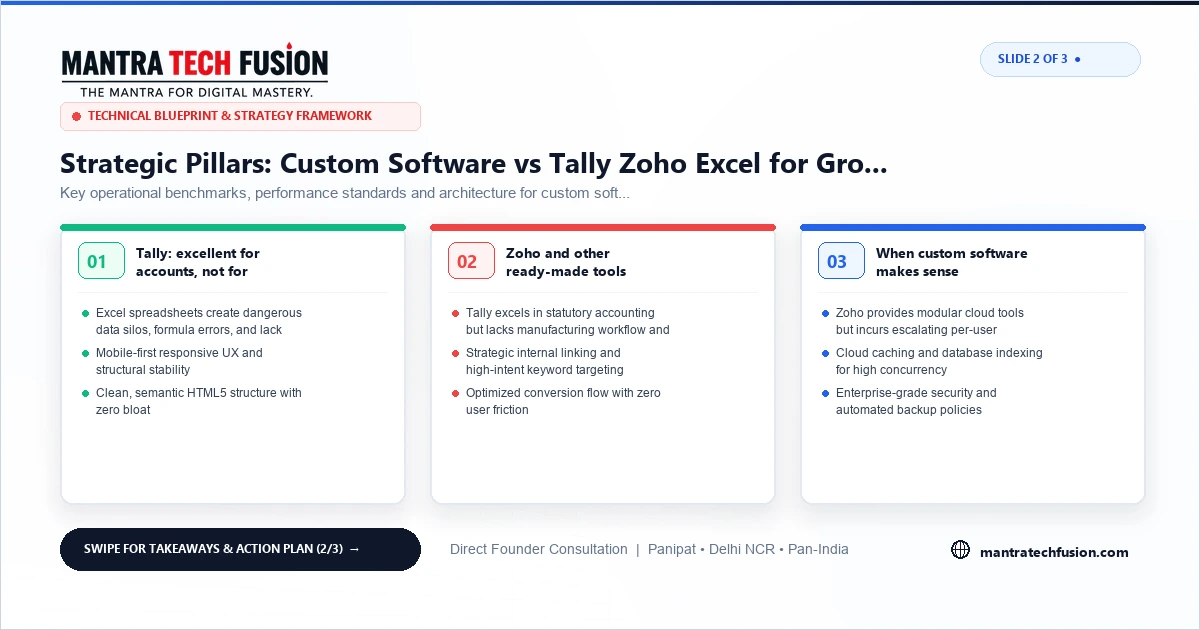
Zoho and other ready-made tools
Zoho, and similar cloud tools for CRM, inventory, invoicing and HR, are good value when your process matches how the tool works. They are quick to start, cost a monthly fee per user, and get regular updates.
They become a problem when you spend more time on workarounds than on work: extra sheets to handle what the tool cannot, fields renamed to mean something else, or paying for many modules to use a small part of each.
When custom software makes sense
- Your process is different. For example, a textile unit that tracks lots through dyeing, stitching and packing, or a distributor with dealer-specific pricing.
- Many people and places need the same live data: office, godown, factory and sales staff.
- You need specific reports that no ready-made tool gives without manual work.
- Per-user fees are growing faster than the value you get.
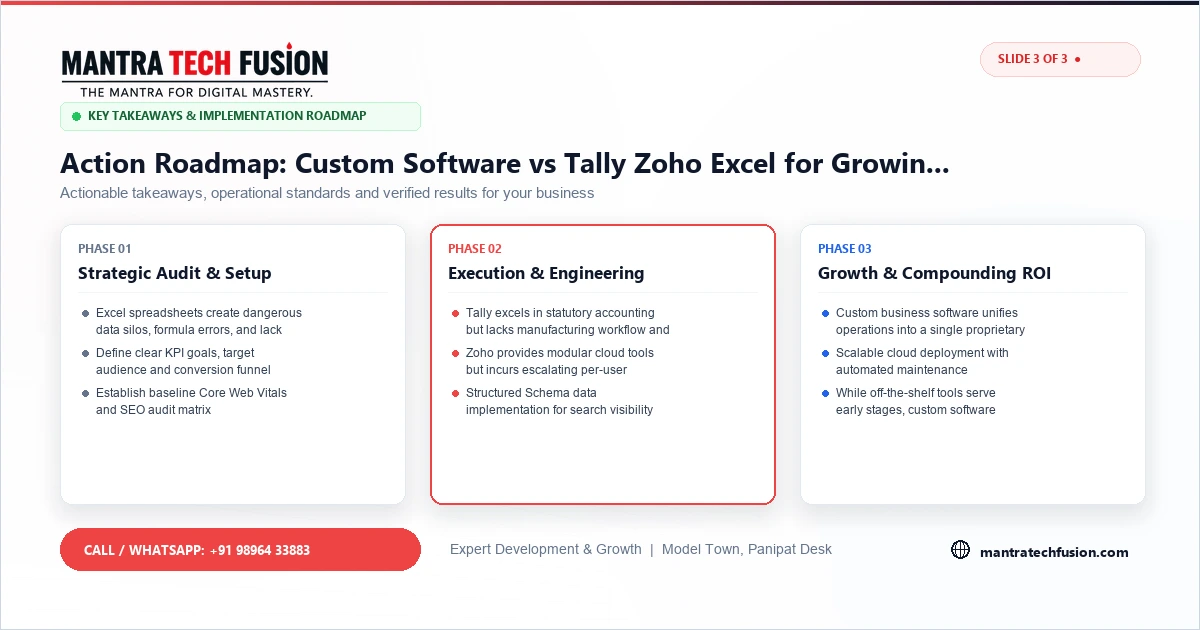
Interactive 3-Slide Article Visual Guide
Signs you have outgrown your current setup
- Orders or follow-ups get missed because they were in a WhatsApp chat.
- Month-end reports take days of copying and checking.
- Work stops when one person is on leave.
- You cannot see today's stock or pending orders from your phone.
- Customers call to ask for status because you cannot tell them quickly.
Two or more of these usually means it is time to change something.
A sensible way to decide
- List your processes: enquiries, quotes, orders, production, stock, dispatch, billing, collections.
- Mark which one wastes the most time or money.
- Check if a ready-made tool handles that process as you work. If it does, try it first.
- If not, build a small custom system for that one process, connected to Tally for accounts.
- Add the next process only after the first is working and used.
What to insist on with custom software
- A written scope with screens, users and reports before any payment.
- Source code, database and server in your name.
- Daily backups and user-level access control.
- Import of your existing Excel data, so you do not start from a blank screen.
- Built on common technology any good developer can maintain later.
How we help
We tell you honestly if Tally, Zoho or another tool already fits. When it does not, we build simple web software for the process that hurts most, then grow it in phases. See our custom software service. For a phone app on top, see mobile app development.
Comprehensive Implementation Framework for Custom Software Vs Tally Zoho Excel
To execute custom software vs tally zoho excel with high precision and measurable ROI, modern digital organizations must establish clear standard operating procedures across engineering, design, and content operations. Aligning technical infrastructure with commercial business objectives ensures sustained organic performance, maximum brand authority, and consistent customer acquisition.
Furthermore, technical teams should continuously monitor Core Web Vitals, server response latencies, and security headers to guarantee an uncompromising standard of user experience across both desktop and mobile viewports.
Key Operational Benchmarks and Performance Standards
Deploying a successful initiative requires measuring performance against verified industry standards and technical benchmarks:
- Sub-Second Page Rendering: Ensure Largest Contentful Paint (LCP) remains under 1.8 seconds on real-world 4G mobile networks.
- Verified Conversion Paths: Streamline quote request funnels and contact touchpoints with real-time input validation and instant CRM lead alerts.
- Robust Data Security: Protect client interactions with strict SSL/TLS encryption, prepared database queries, and automated off-site backups.
- Semantic Search Indexing: Structure content with Schema.org JSON-LD markup to capture rich SERP snippets and answer engine citations.
- Mobile Ergonomics: Provide minimum 48px touch targets and zero horizontal viewport scrolling on all mobile displays.
Strategic Architecture and Maintenance Best Practices
Maintaining long-term leadership requires routine performance audits, content refreshes, and proactive security patching. Implementing automated staging environments and continuous integration workflows prevents code regressions and ensures flawless operational continuity across all commercial channels.
By prioritizing user intent fulfillment, transparent product specifications, and high-converting calls to action, your enterprise creates an enduring competitive advantage in today's digital marketplace.
Technical Checklist for Modern Digital Infrastructure
Ensure your digital deployment adheres strictly to the following enterprise engineering protocols:
- Zero Layout Shifts (CLS < 0.05): Declare explicit width and height attributes on all media and dynamic components.
- Strict MIME Type Validation: Prevent arbitrary file execution by validating uploaded assets against strict allowlists.
- Automated Data Redundancy: Maintain daily off-site encrypted database snapshots with rapid point-in-time recovery capabilities.
- Immutable Cache Directives: Leverage long-lived HTTP caching headers for static CSS, JS, and optimized WebP visual assets.
Long-Term Economic Value and Return on Investment
Investing in a high-standard digital strategy yields compounding dividends over multiple financial quarters. By reducing dependency on volatile third-party referral networks and paid PPC channels, your brand builds durable organic equity that drives qualified sales pipelines at a fraction of traditional advertising costs. Furthermore, high Core Web Vitals performance and technical domain stability protect your market share against algorithm updates.
Frequently Asked Questions Regarding Custom Software Vs Tally Zoho Excel
What is the most effective approach to get started with custom software vs tally zoho excel?
Begin with a comprehensive technical audit of your current digital assets, establish clear performance benchmarks, and implement high-priority structural optimizations that directly improve user experience and search indexation.
How does this impact long-term enterprise growth?
By compounding organic search visibility, eliminating code bottlenecks, and streamlining customer conversion funnels, businesses achieve higher profit margins and lower customer acquisition costs over time.