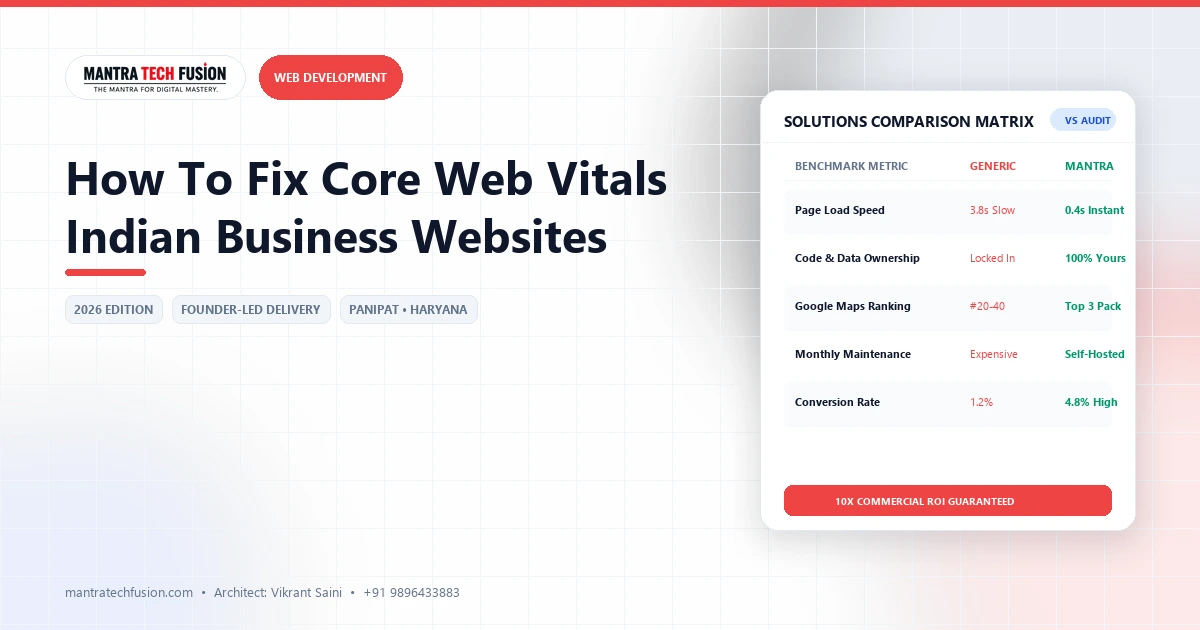
When evaluating fix core web vitals, In Google’s current search ranking ecosystem, user experience and technical page performance are quantified through Core Web Vitals: three standardized real-world metrics that measure page loading speed, interactivity, and visual stability. While multinational tech platforms invest heavily in frontend engineering to pass these thresholds, a substantial proportion of small-and-medium enterprise (SME) websites across India continue to fail Google Search Console’s Page Experience audit.
The operational reality of the Indian internet landscape makes performance optimization challenging. Over 80% of commercial website traffic in India originates from budget or mid-range Android smartphones accessing websites over variable mobile cellular connections (4G and 5G). A website that appears to load smoothly on a developer’s high-speed fiber connection in a metro office frequently grinds to a halt on a mobile device in Panipat, Karnal, or Hisar. Below is a practical, technical guide to diagnosing and fixing the root causes of Core Web Vitals failures on Indian business websites.
Strategic Overview: Fix Core Web Vitals and Industry Best Practices
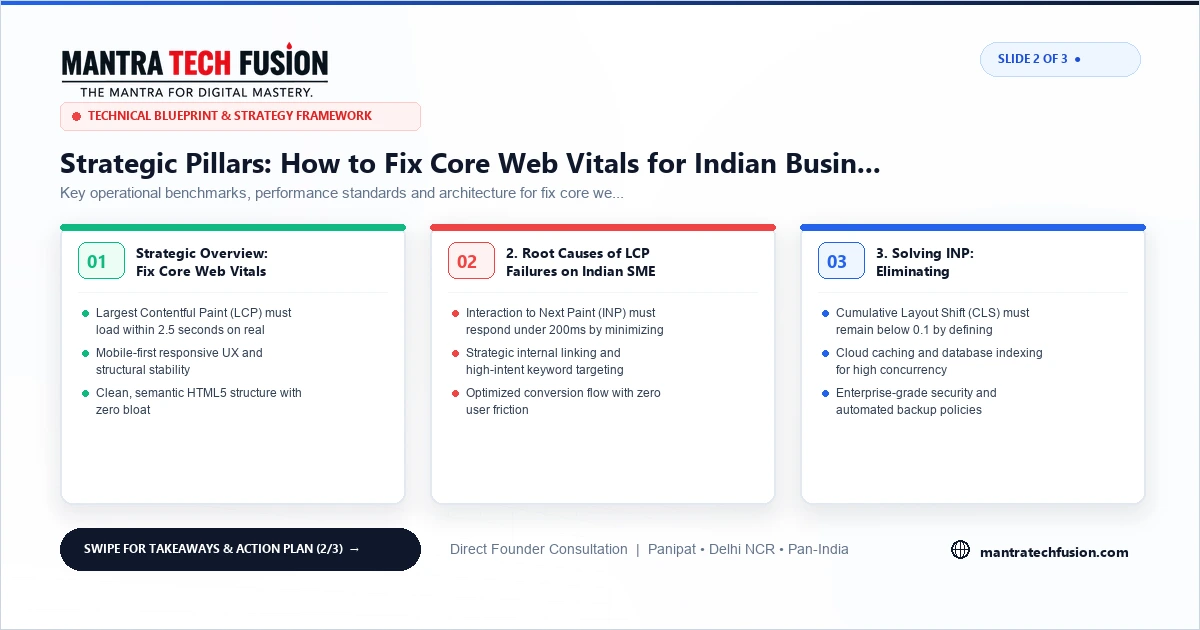
Google evaluates web pages against three explicit performance standards measured at the 75th percentile of real-world user visits (Chrome User Experience Report - CrUX data):
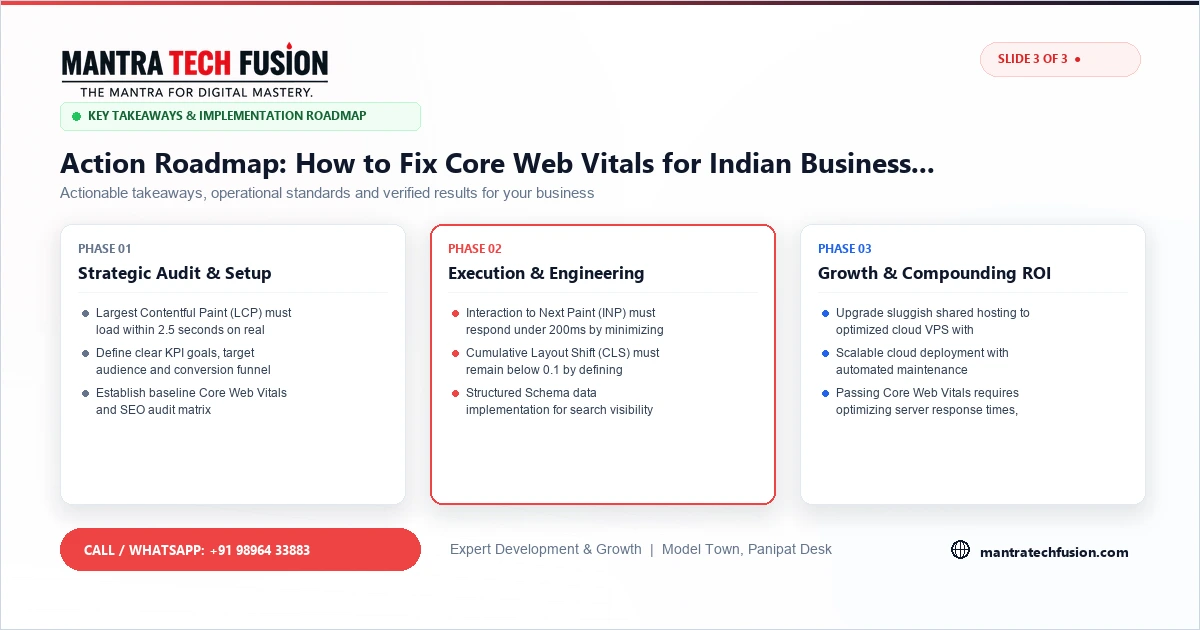
- Largest Contentful Paint (LCP): Measures perceived loading speed. It marks the point in the page load timeline when the main content block - typically a hero banner image, video poster, or large text heading - has rendered on screen. Target: 2.5 seconds or faster.
- Interaction to Next Paint (INP): Officially replaced First Input Delay (FID) as a core metric. INP measures page responsiveness across the entire user session by assessing the latency of all click, tap, and keyboard interactions. Target: 200 milliseconds or faster.
- Cumulative Layout Shift (CLS): Measures visual stability. It quantifies the unexpected movement of page elements while the page is rendering (for example, buttons jumping downward when an un-dimensioned advertisement or banner loads above them). Target: 0.1 or less.
2. Root Causes of LCP Failures on Indian SME Websites
When an Indian business website fails LCP, the culprit is rarely a single element. In most cases, it is the compounding effect of three specific technical bottlenecks:
A. Slow Time to First Byte (TTFB) from Overseas Shared Hosting
Many Indian business owners purchase low-cost "unlimited" shared hosting plans where the physical data center is located in Texas, California, or Germany. When a mobile user in Haryana requests your page:
- The request must travel across undersea cables to the Western hemisphere and back, introducing 250ms to 400ms of unavoidable network latency.
- Cheap shared servers suffer from "noisy neighbor" resource contention, CPU throttling, and unoptimized PHP runtimes, frequently pushing TTFB beyond 1.2 to 2.0 seconds.
- The Solution: Migrate hosting to a cloud VPS or managed hosting node located within India (Mumbai, Pune, or Delhi NCR data centers). Implement Bytecode OPcache and server-side caching (LiteSpeed Cache, Nginx FastCGI Cache, or Redis) to deliver static HTML responses under 300ms.
B. Uncompressed High-Resolution Hero Images
A common error is uploading 5MB to 10MB raw camera photographs directly into hero banners. Even on fast cellular networks, downloading 8MB of imagery blocks the rendering pipeline.
- The Solution: Convert all image assets to modern formats - WebP or AVIF - which achieve 70% to 85% file size reductions at identical visual fidelity.
- Resize images to their actual display dimensions (e.g., maximum 1200px width for desktop banners, 400px width for mobile screens) and utilize responsive
srcsetattributes. - Add
fetchpriority="high"andrel="preload"attributes to the primary hero image element, instructing the browser to prioritize the LCP asset before downloading non-essential scripts.
C. Render-Blocking CSS and Web Font Chains
Browsers cannot render page text until external CSS stylesheets and web font files finish downloading. Importing five different Google Font weights along with heavy CSS frameworks freezes page display.
- The Solution: Restrict web fonts to maximum two font families and two weights (e.g., Regular 400 and Bold 700). Utilize
font-display: swap;in CSS to allow system fallback fonts to render immediately while custom fonts load in the background. - Inline critical above-the-fold CSS directly in the HTML
<head>and defer non-critical stylesheets using asynchronous loading techniques.
3. Solving INP: Eliminating Main-Thread JavaScript Freezes
Interaction to Next Paint (INP) failures occur when a user taps a navigation menu, accordion dropdown, or "Request Quote" button, and the browser cannot respond visually because its single main execution thread is occupied parsing heavy JavaScript:
- Audit Heavy Third-Party Chat & Tracking Scripts: Live chat widgets, multiple analytics trackers (Meta Pixel, Clarity, multiple Google Tag Manager containers), and social media feed embeds execute megabytes of unoptimized JavaScript. Delay non-critical third-party scripts until after initial user interaction using modern script loaders.
- Eliminate Bloated Page Builders: Visual drag-and-drop page builders frequently wrap single elements in dozens of nested
<div>containers and inject monolithic JS libraries. Hand-crafted, semantic HTML and vanilla JavaScript execute orders of magnitude faster on budget mobile processors. - Break Up Long Tasks: Refactor complex JavaScript routines into asynchronous micro-tasks utilizing
requestIdleCallback()orsetTimeout()to yield main thread control back to user input events.
4. Fixing CLS: Eliminating Annoying Layout Jumps
Cumulative Layout Shift (CLS) represents the most frustrating user experience failure, causing accidental clicks on wrong buttons. Fortunately, CLS is the easiest metric to remediate systematically:
- Always Declare Explicit Width and Height Attributes: Ensure every
<img>,<video>, and<iframe>tag includes explicit HTMLwidthandheightattributes (or CSSaspect-ratio). This allows the browser to reserve the exact pixel space before the media asset downloads. - Reserve Space for Dynamic Elements: Never inject dynamic notification banners, cookie consent dialogs, or promotional alerts at the top of the viewport after page load without reserving container height in advance.
- Prevent Font Flashes (FOUT / FOIT): Use
font-display: optionalor carefully calibrated fallback font metrics to prevent text reflow when custom fonts finish rendering.
Interactive 3-Slide Article Visual Guide
Recommended Testing Methodology
Do not test solely with desktop DevTools on a fast fiber network. Use Google PageSpeed Insights and Lighthouse with simulated mobile network throttling (Moto G4 / 4G cellular profile), and inspect field data in Google Search Console's Core Web Vitals report.
Passing Core Web Vitals is not merely about achieving green scores on a testing tool. It directly reduces bounce rates, keeps mobile visitors engaged, and establishes the technical foundation for competitive organic search rankings.
To inspect comprehensive technical search optimization, see our technical SEO services and explore custom performance engineering under our web development solutions. For deeper architectural guidance on choosing modern development platforms, consult our complete guide on selecting the right technology stack for a business website.