When evaluating website redesign seo migration checklist, A website redesign is frequently an exciting corporate milestone. It offers the opportunity to replace outdated visual design, improve mobile responsiveness, modernize frontend technology, and realign the company’s brand image with current business goals. Yet across the digital industry, website redesigns are also notorious for causing catastrophic, unanticipated organic traffic collapses.
When a website is rebuilt, fundamental technical variables change simultaneously: URL structures, page templates, heading hierarchies, internal linking equity, and server configurations. It is crucial to acknowledge a fundamental principle: a website redesign does not guarantee that search rankings will remain unchanged. Even expertly executed migrations experience temporary algorithmic recalibration. However, by treating the redesign as a disciplined technical migration rather than merely a visual refresh, businesses can minimize ranking volatility. Below is an exhaustive pre-launch, launch-day, and post-launch SEO migration checklist.
Strategic Overview: Website Redesign Seo Migration Checklist and Industry Best Practices
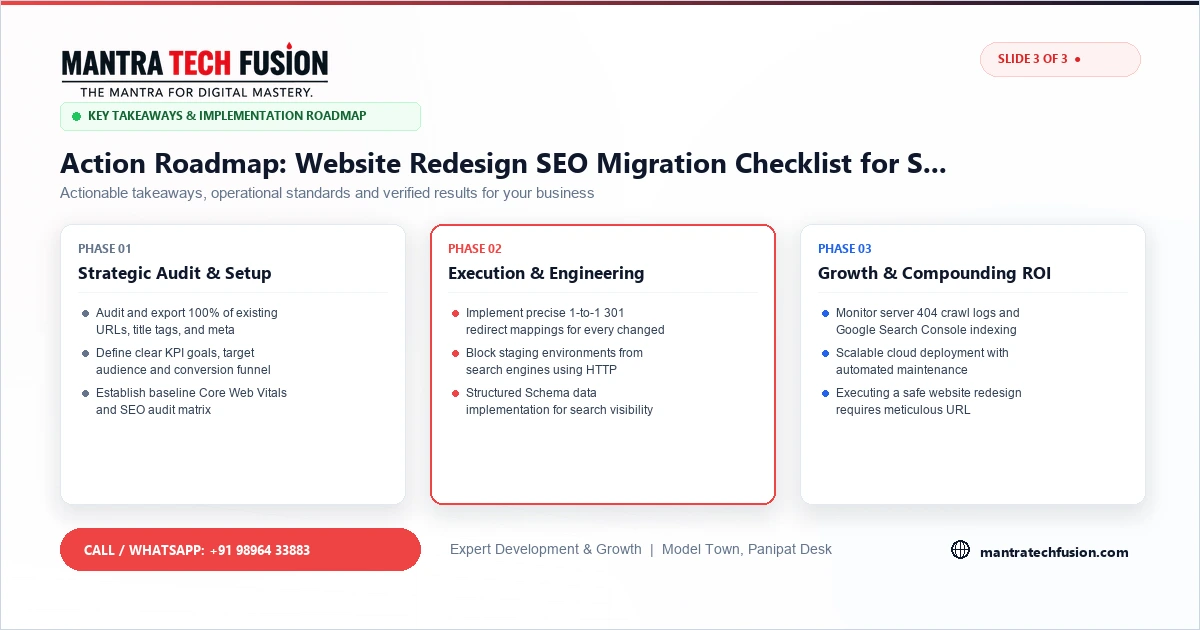
The foundation of a safe website migration begins weeks before any code is transferred to the live production server:
- Complete Legacy URL Crawl: Execute a full crawl of your existing website using auditing tools to export every live URL, HTTP status code, title tag, meta description, and primary H1 heading into a comprehensive master spreadsheet.
- Identify High-Traffic & Backlink Assets: Consult Google Search Console and Google Analytics to identify the top 20% of pages that generate 80% of your organic search clicks. Cross-reference backlink analysis tools to identify URLs with valuable inbound links from external websites. These high-equity pages must receive priority protection during migration.
- 1-to-1 301 Redirect Mapping: If URL structures must change (for example, switching from
/services.php?id=4to/custom-web-design/), map every single legacy URL to its exact corresponding new URL. Never mass-redirect old URLs to the homepage; Google algorithms treat blanket homepage redirects as soft-404 errors, negating historical link equity. - Content & Entity Parity Audit: Avoid drastic reductions in on-page informative content on high-ranking pages. If a page ranks well for technical terms, replacing comprehensive explanatory copy with a brief marketing slogan will degrade its topical relevance.
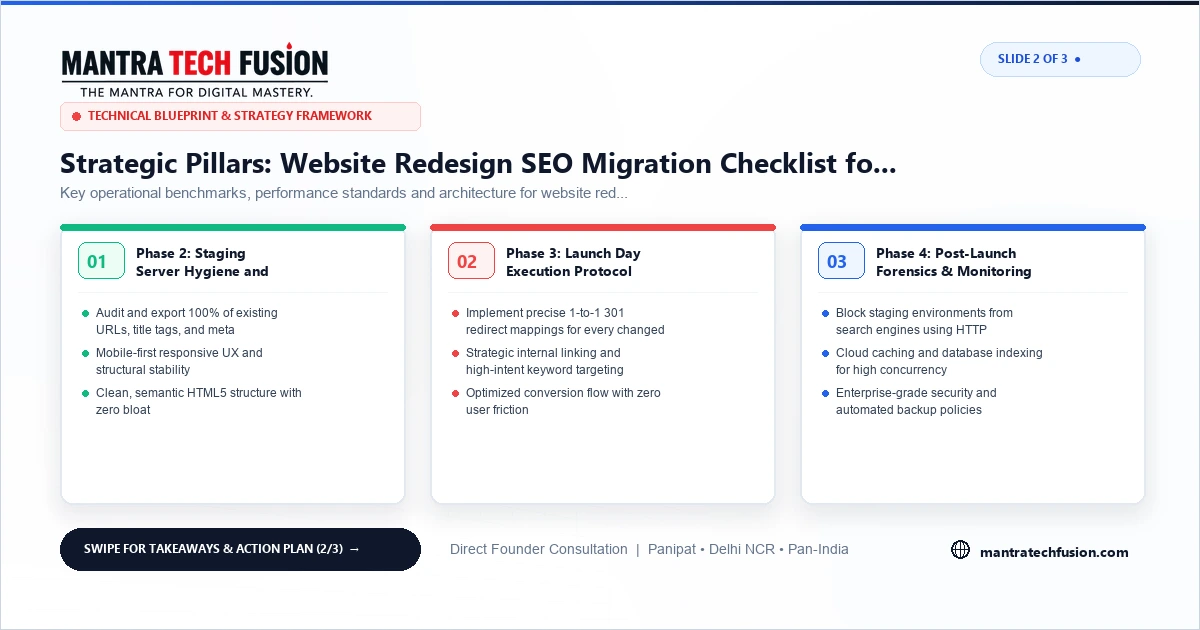
Phase 2: Staging Server Hygiene and Protection
Rebuilding a website in an un-protected staging environment introduces severe duplication risks:
- Strict Noindex Staging Enforcement: Protect your development and staging subdomains (e.g., staging.yourdomain.com) behind HTTP Basic Authentication (server password gate) or deploy a site-wide
<meta name="robots" content="noindex, nofollow">header. If Googlebot discovers and indexes your staging environment, it can trigger canonical confusion and duplicate content penalties. - Verify Canonicals and Internal Links: Ensure that all internal links on the staging site use relative paths or correct production URLs, preventing staging domain references from leaking into production code upon launch.
- Validate Structured Data: Test all planned Schema.org JSON-LD markups on staging using Google's Rich Results Test tool, confirming syntax validity before deployment.
Phase 3: Launch Day Execution Protocol
When deploying the new website to the production environment, execute tasks in a coordinated sequence:
- Deploy Server Redirect Rules First: Implement the verified 301 permanent redirect rules in your web server configuration (
.htaccessfor Apache/LiteSpeed, ornginx.conffor Nginx) before making the site public. - Verify Canonical Tags: Inspect source code to confirm every page points its
<link rel="canonical">tag to its exact, self-referential production URL. - Audit Robots.txt and Remove Staging Blocks: Verify that your live
robots.txtfile does not inadvertently block critical CSS, JavaScript, or public page paths, and confirm the stagingnoindexdirective has been completely removed from production templates. - Generate and Submit Clean XML Sitemap: Deploy a fresh, dynamically generated XML sitemap containing only 200 OK, canonical, indexable URLs. Submit the updated sitemap URL directly to Google Search Console.
- Maintain Rollback Preparedness: Always retain a verified full database dump and file backup of the legacy website, enabling rapid rollback if catastrophic unexpected failures occur.
Phase 4: Post-Launch Forensics & Monitoring
The migration process does not end when the site goes live. The critical evaluation window spans the following 30 to 60 days:
- Immediate 404 Crawl & Server Log Inspection: Crawl the live website immediately after launch to catch broken internal links or misdirected redirect chains. Inspect server error logs daily to identify missing URLs that visitors or search bots are attempting to access, creating immediate 301 redirects for any missed legacy paths.
- Eliminate Multi-Hop Redirect Chains: Verify that legacy URLs resolve directly to their destination in a single 301 redirect hop. Multi-hop chains (such as Page A redirecting to Page B which redirects to Page C) consume unnecessary crawler budget and delay authority transfer.
- Preserve Pagination and Category Structures: Ensure paginated archive series (e.g.,
/blog/page/2/) maintain correct self-referential canonical tags rather than being canonicalized blindly to the root page, preserving deep article crawlability. - Internal Link Database Clean-Up: Run a database-wide search and replace across post content, header menus, and footer widgets to update legacy links to their new URLs, eliminating unnecessary reliance on 301 redirects for internal site navigation.
- Google Search Console Indexation Tracking: Monitor the "Page indexing" report in Search Console. Watch for unexpected spikes in "Not found (404)", "Redirect error", or "Duplicate without user-selected canonical".
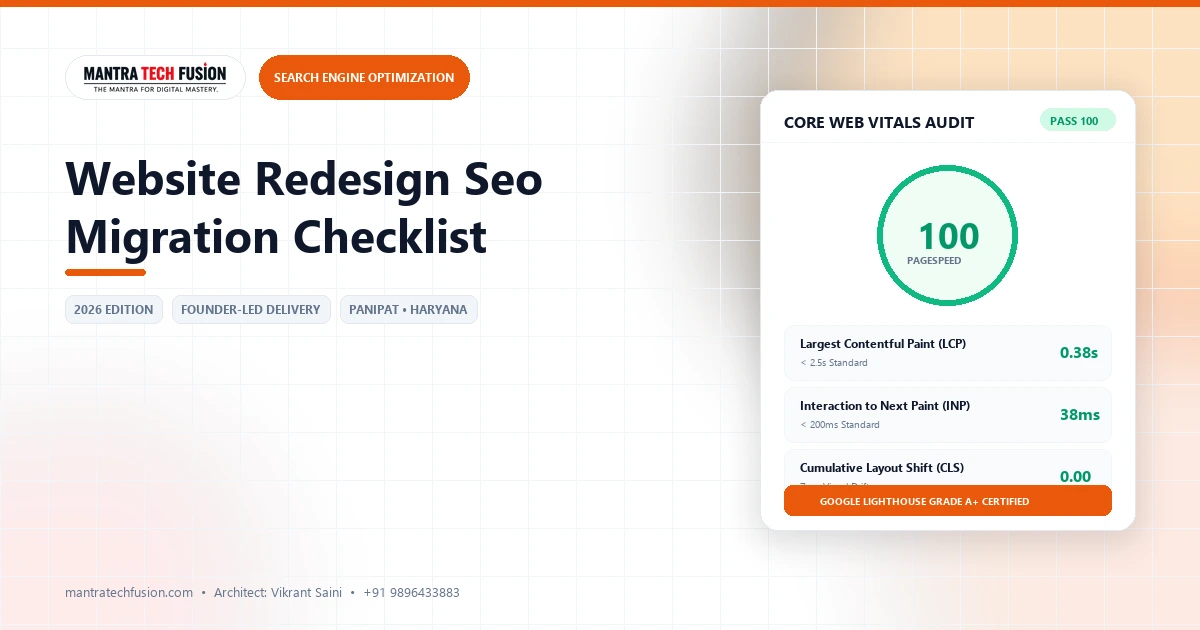
- Benchmark Core Web Vitals: Measure real-world performance against pre-launch baselines to ensure the new visual design has not degraded mobile loading speed or layout stability.
When handled with rigorous technical discipline, a website redesign successfully modernizes your digital brand while preserving historical search engine authority.
To discuss professional migration planning, explore our website redesign services and review our foundational solutions in search engine optimization. For related technical insights on site performance, consult our comprehensive guide on diagnosing and fixing Core Web Vitals.